
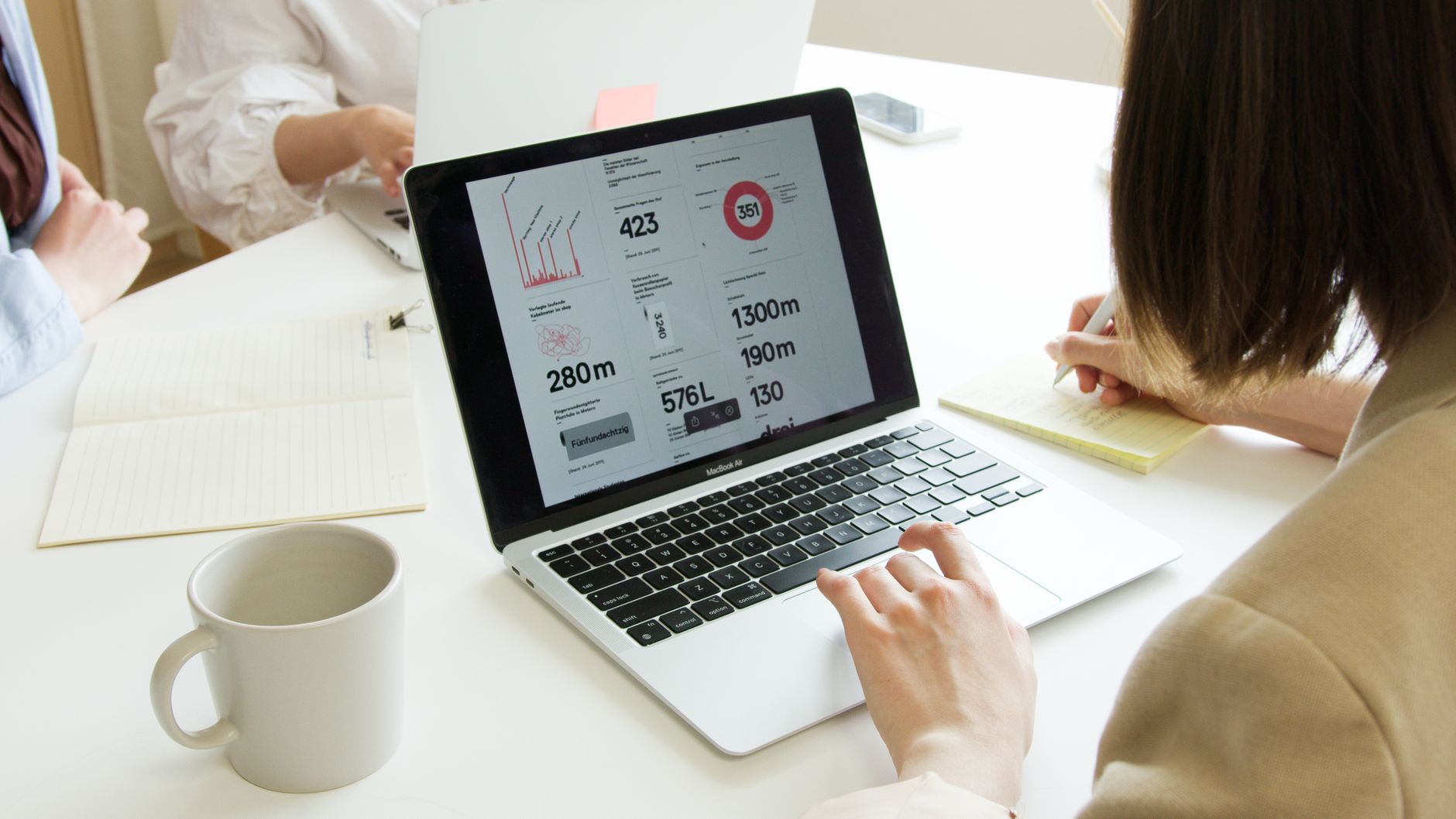
Why should you request a free website analysis?
You should request a free website analysis to identify technical errors, slow loading speeds, and usability issues that prevent potential customers from finding or using your site. This audit provides a clear roadmap for fixing broken links, optimizing mobile performance, and improving your search engine rankings without needing to guess what is wrong.
Many business owners assume their website is working fine until they look at the data. A professional analysis breaks down your site into manageable parts, such as core web vitals, backlink profiles, and content relevance. By identifying these gaps, you can prioritize fixes that actually drive traffic and increase conversions. When you work with a team like Glam Up Photo Events, you get eyes on the technical health of your digital presence so you can focus on your actual business operations.
What does a website analysis cover?
A comprehensive website analysis evaluates your site’s technical performance, on-page SEO, content quality, and user experience. It typically includes checks for page speed, mobile responsiveness, broken links, meta tag optimization, and security certificates. The goal is to see exactly how your site behaves when a user lands on it for the first time.
Technical SEO is the foundation of your site. If your server response time is over 2.5 seconds, you are likely losing a significant portion of your visitors before they even see your content. An analysis will tell you if your images are too large, if your code is bloated, or if your site lacks a secure HTTPS connection. Beyond the technical side, it also looks at your internal linking structure. If your pages are not linked logically, search engines struggle to crawl and index your site properly. You might have excellent services, but if the search engine cannot map your site, you will remain invisible to local customers searching for your expertise.
How long does a website analysis take?
A basic website analysis can be completed within 24 to 48 hours depending on the complexity and size of your site. Automated tools can provide a report in seconds, but a professional manual review takes longer because it requires interpreting data to find actionable solutions rather than just listing errors.
If your site has under 20 pages, the process is straightforward. We look at the primary landing pages, the contact forms, and the navigation menu. Larger sites with hundreds of product pages or blog posts require more time to audit effectively. It is better to get a thorough report that identifies the top three issues affecting your revenue than to receive a 50-page document full of irrelevant data points. Once the analysis is done, you will have a clear list of tasks to improve your site performance.
How much does a website analysis cost?
A high-quality website analysis is often provided for free as an introductory service to help you understand your site's health. While some companies charge between $300 and $1,500 for a deep-dive audit, many local service providers offer a baseline analysis at no cost to demonstrate their value and build trust with potential clients.
You should be wary of automated reports that promise to fix everything for a flat fee without ever speaking to you. Real optimization requires human understanding of your specific industry. For example, a photography business has different SEO needs compared to a plumbing company. The visual nature of your site requires different image optimization strategies than a text-heavy site. When you request a free analysis, you get a snapshot of your current standing. If you choose to hire an expert to fix the issues, the cost will depend on the labor required to implement the changes. Most small businesses find that fixing these issues pays for itself within a few months through increased inquiries.
Can I perform a website analysis myself?
You can perform a basic website analysis yourself using free tools provided by search engines like Google. Tools like PageSpeed Insights, Search Console, and Lighthouse provide data on how your site performs on mobile and desktop devices, highlighting specific areas where you can improve speed and accessibility.
While self-auditing is a great way to start, it can be difficult to interpret the results if you are not familiar with web development terminology. You might see a warning about "render-blocking resources" and not know how to fix it without breaking your site design. That is where a professional analysis becomes helpful. It translates technical jargon into plain English. Instead of just being told your site is slow, you get told exactly which plugin or image file is causing the delay. This saves you hours of trial and error and prevents you from accidentally deleting important code.
What happens after the website analysis is complete?
After the analysis is complete, you receive a prioritized list of actionable steps designed to improve your site's performance and search visibility. You can use this report to perform the repairs yourself, hire an in-house developer, or partner with a professional service to manage the implementation of these changes.
The report acts as a foundation for your digital strategy. If your analysis shows that your contact page is not mobile-friendly, that becomes your immediate priority. If it shows that your site is missing meta descriptions, you can update those over the weekend. The goal is to move from a state of uncertainty to a state of clear action. Many businesses realize that their "broken" website was actually just suffering from a few minor configuration errors that were easy to fix once they were identified. If you are ready to see how your site is currently performing and want a clear path forward, get in touch with us today to request a free website analysis and see where you stand.